RATShield XDR ProDefensive endpoint triage and RAT hunting
See suspicious behavior clearly.
RATShield XDR Pro helps analysts identify RAT-like indicators across Windows, Linux, and Android ADB-connected devices with risk scoring, MITRE mapping, evidence capture, and readable investigation reports.
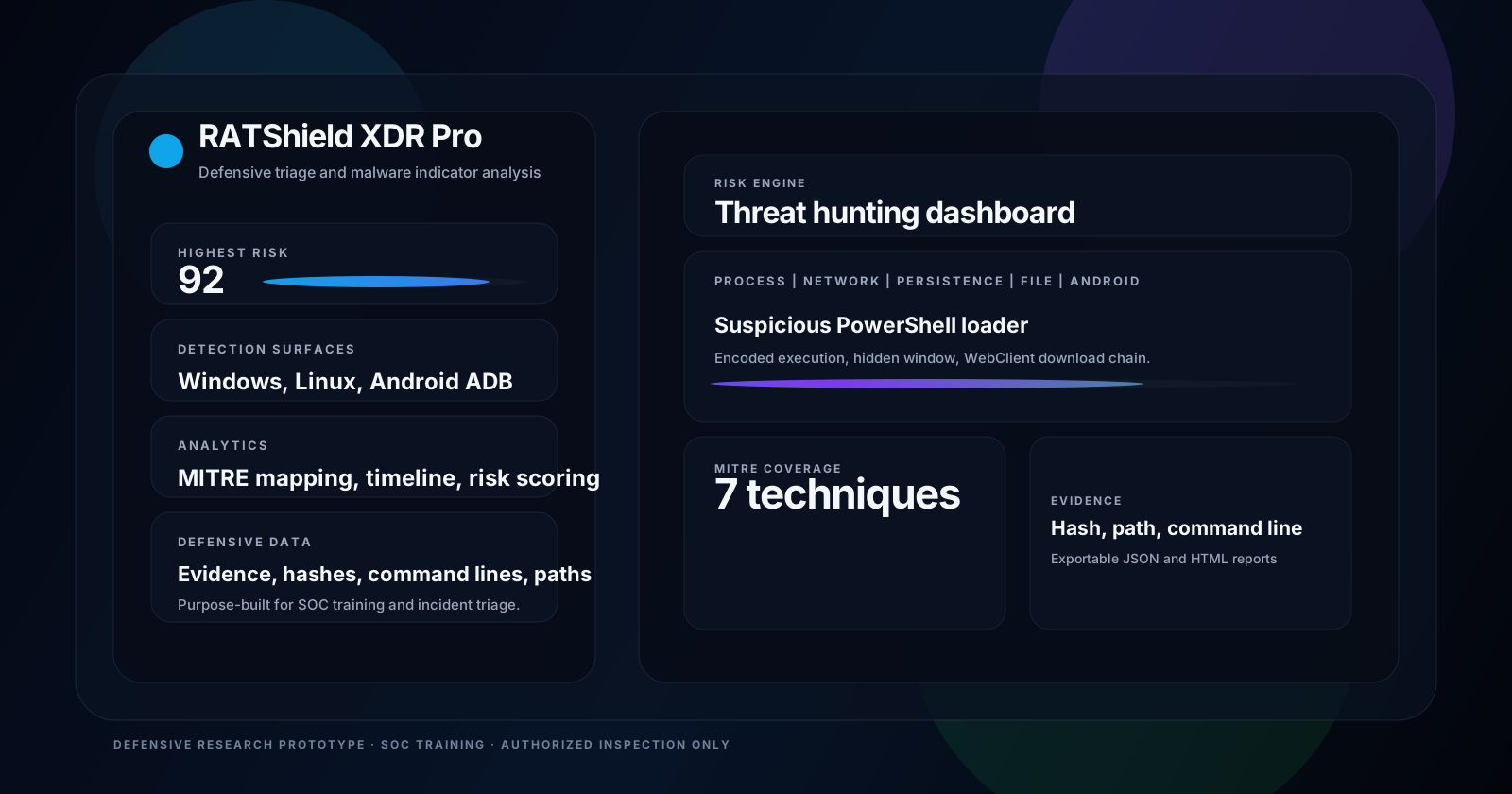
Built for blue-team triage
Clear views that help you understand the story behind the signal.
Risk engine
Severity, confidence, verdict, and summary counts automatically normalize the findings list into analyst-friendly results.
Behavioral detection
Looks for PowerShell loaders, scheduled task masquerading, LOLBins, screen capture, and email-based exfiltration patterns.
Evidence-rich reporting
Produces JSON and HTML reports with hashes, paths, command lines, recommended actions, and MITRE ATT&CK mapping.
Android ADB support
Analyzes permission clusters and service indicators for privacy-sensitive or persistence-style mobile malware behavior.
Allowlisting ready
Designed to support trusted process, path, and hash suppression so clean environments stay readable and actionable.
Public demo friendly
Safe demo mode makes it easy to show the product to visitors without using real malicious payloads.
Gallery
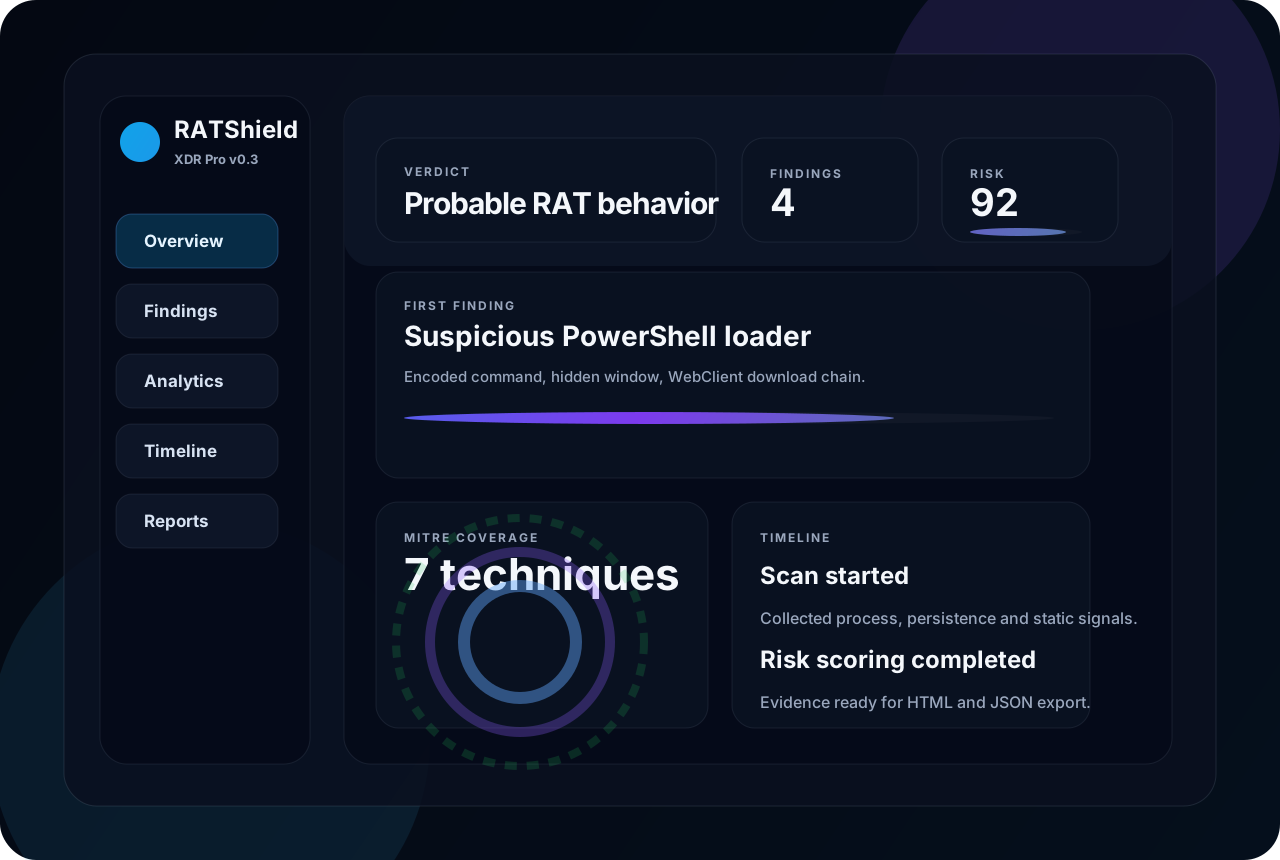
These visuals are reusable for the app, README, and GitHub Pages.
Detection Engine
Simple enough to explain. Strong enough to triage modern RAT tradecraft.
- Process analysisMasquerading names, suspicious command lines, and user-writable execution paths.
- Persistence inspectionWindows autostarts, scheduled tasks, Linux cron and systemd service review.
- Static analysisSHA256, entropy, and lightweight string-rule matching.
- Behavior correlationCross-links collection, defense evasion, and exfiltration indicators into one narrative.
What it looks for
Patterns inspired by modern weaponized malware workflows.
Quick Start
Run the dashboard locally in a few commands.
python -m venv .venv
.venv\Scripts\activate
pip install -r requirements.txt
uvicorn backend.app.main:app --reload --host 127.0.0.1 --port 8000
Open http://127.0.0.1:8000 for the dashboard and use the demo scan first to explore the UI safely.
Project safety
This repository is strictly for defensive research and authorized inspection.
The project contains no exploit payloads, RAT builder, or offensive automation. It is intended for SOC training, malware analysis exercises, endpoint triage, and safe classroom demos.